Multiple Operators
Create and switch between separate operator configurations, including macros, programs, radio settings, and layout preferences.
Windows ham radio software for Icom operators
ShackMaestro provides a macro-based control center for your shack. ShackScope adds spectrum, waterfall, and meter displays designed to run alongside it. The current beta is focused on Icom radios and is ideal for the IC-7300.
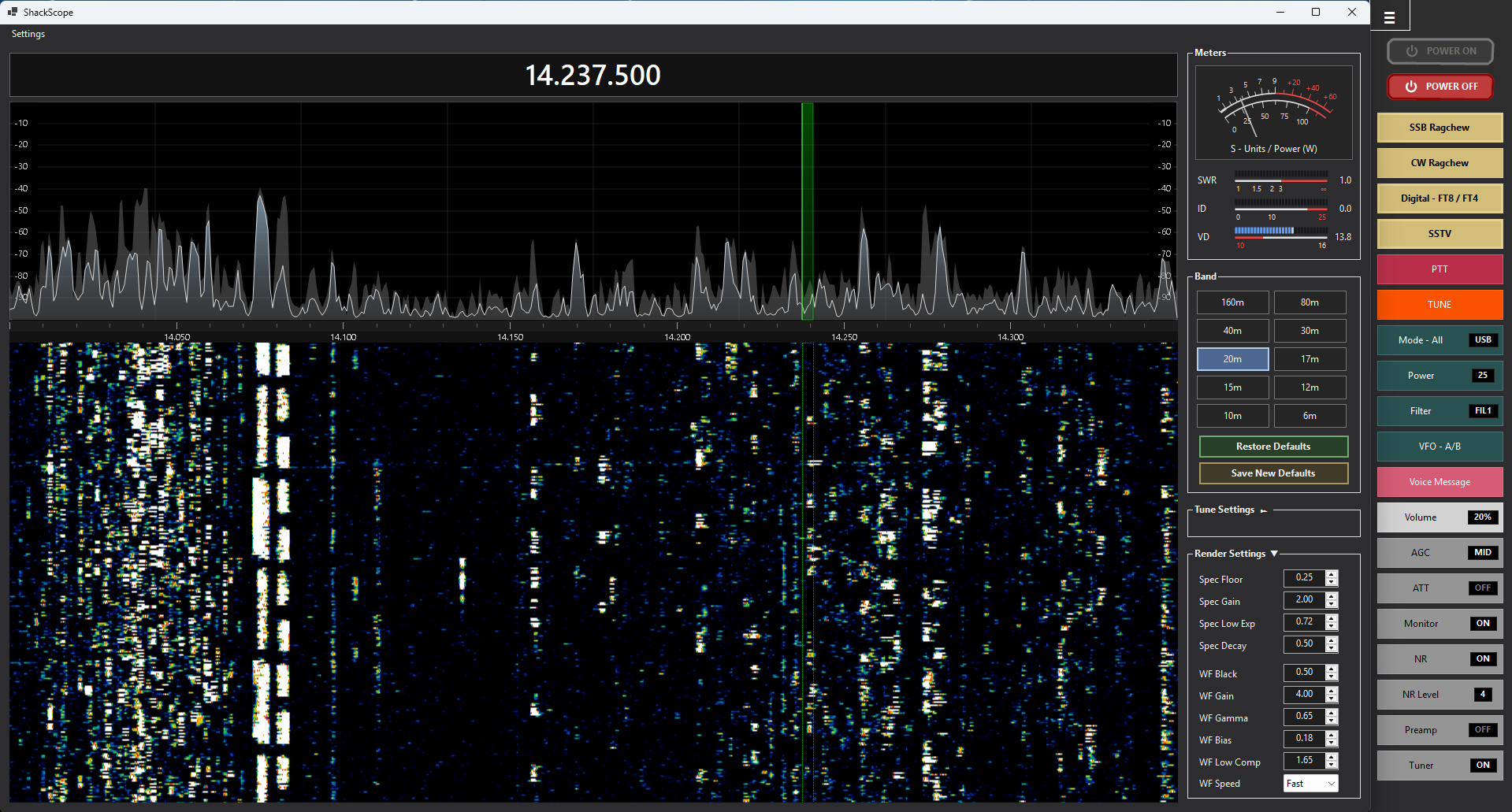
What’s new in v1.1.4
Version 1.1.4 focuses on smoother operation, more flexible configuration, and practical refinements based on beta testing.
Create and switch between separate operator configurations, including macros, programs, radio settings, and layout preferences.
The PTT action macro has been tuned for faster transmit/receive transitions while keeping ShackMaestro’s normal CI-V coordination intact.
Dropdown macros, macro chip colors, saved macro restore, and General Settings color editing have all been refined for easier everyday use.
Startup sequencing for WSJT-X, Log4OM, ShackScope, and related station software has been improved for more reliable digital-mode sessions.
Additional CI-V-backed controls support VFO swap/equalize behavior and voice memory workflows.
Use Settings → Send Feedback to open a prefilled support email with version and Windows details.
Overview
ShackMaestro is built for operators who want fast access to radio controls, custom macros, and smoother integration with the software already used in the shack.
Macro-based radio control currently focused on Icom radios, with the IC-7300 as the primary tested target. ShackMaestro is designed to work with companion tools such as ShackScope, optional OmniRig, Log4OM, SDR Console, and WSJT-X.
A companion display for spectrum, waterfall, and meters. It is designed to connect through ShackMaestro’s virtual COM bridge and provide better visual feedback while operating.
Screenshots
A few highlights are shown here. The screenshots page includes larger views and additional examples.
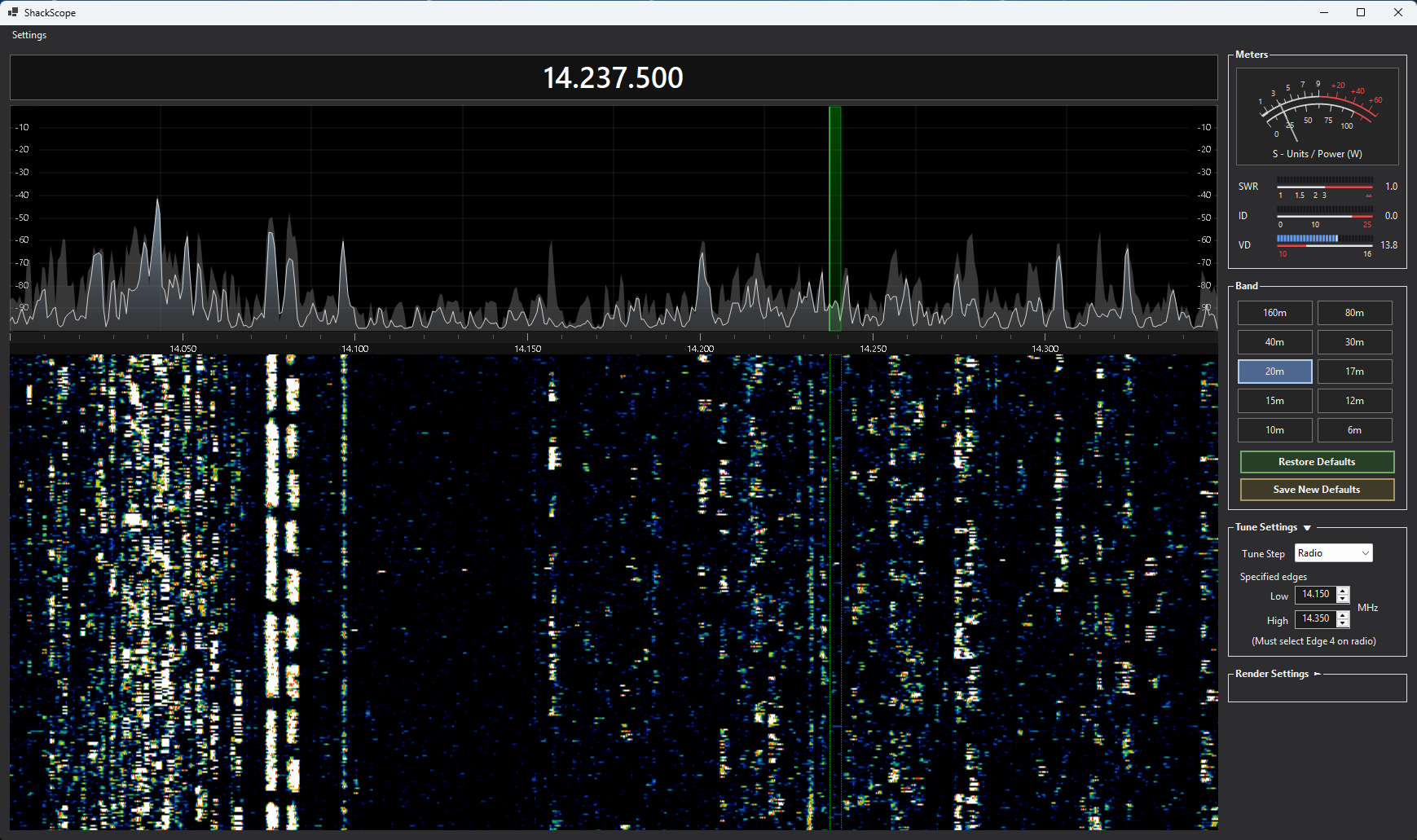
Real-time visualization, meters, and tuning controls for everyday operating.
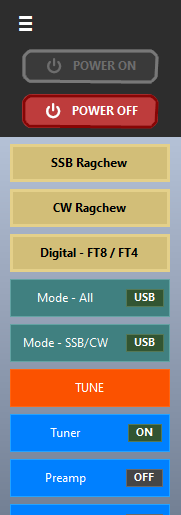
Expanded vertical band visibility in a narrow side-panel layout.
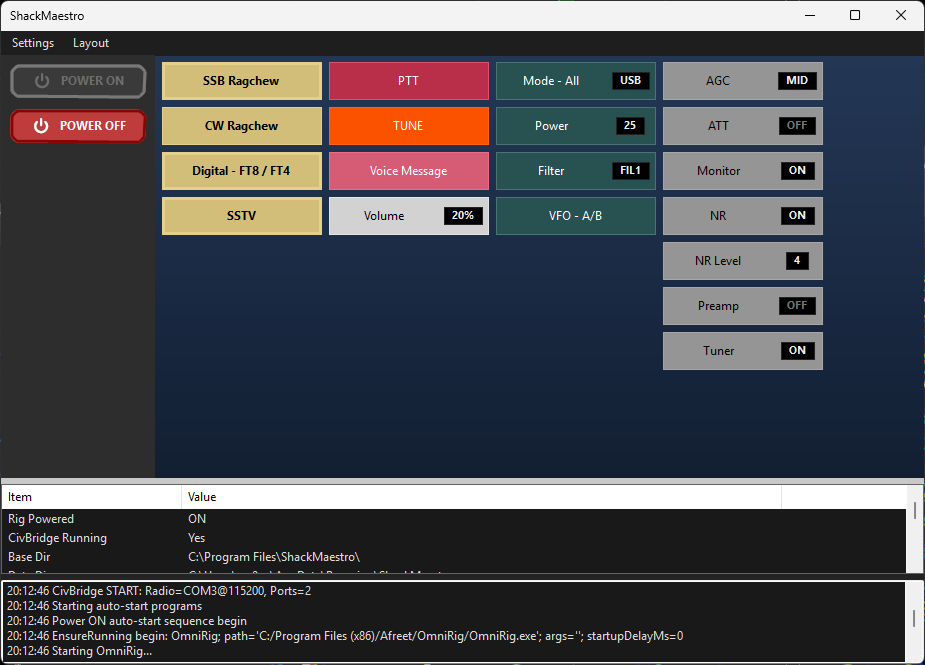
Radio status, controls, and macros in a single Windows application.
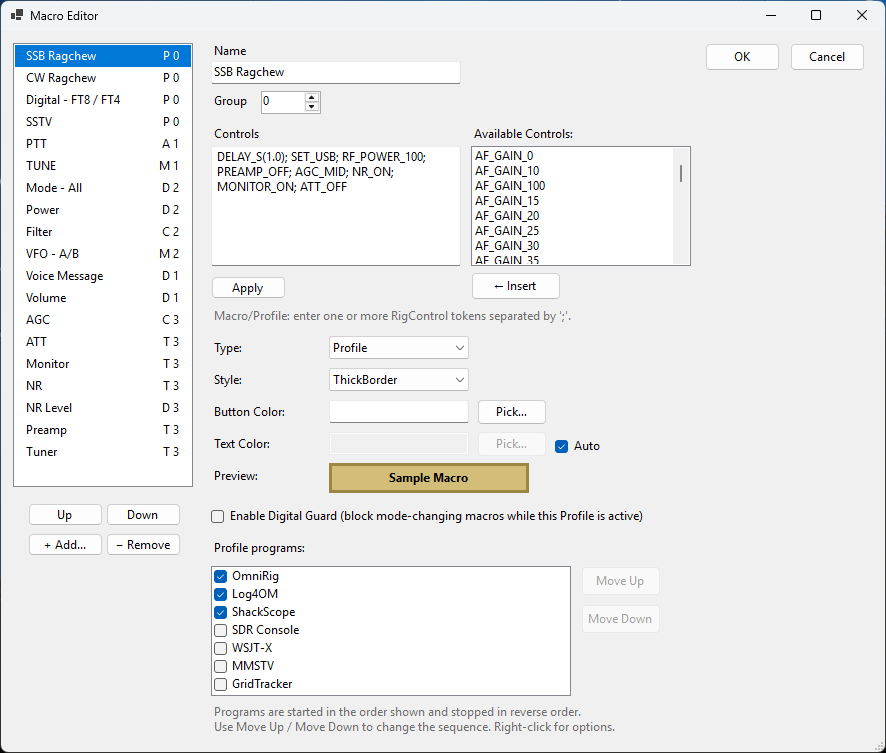
Create and tune custom controls for your operating workflow.
How it works
ShackMaestro connects to the radio by CI-V, manages application startup and control, and can expose virtual COM connections for ShackScope and other software. The beta is designed for Icom radios, is best suited for the IC-7300 today, and is intended to expand over time.
Connect ShackMaestro to your Icom radio. The IC-7300 is the primary tested radio for the current beta.
Use macros and control panels to simplify routine operating tasks.
Run ShackScope for spectrum, waterfall, and meters through the companion virtual COM bridge.
Download
The installer includes ShackMaestro and ShackScope. The current beta is built for Windows 10/11, focused on Icom CI-V radios, and ideal for IC-7300 operators. Version 1.1.4 adds Operators, usability refinements, faster PTT macro response, and improved digital-profile startup behavior. See the User Manual for installation, setup, and operating details.
We welcome your feedback! If you try ShackMaestro, even a one-line email with your radio model, Windows version, and overall impressions is extremely helpful as we continue refining the software.