ShackMaestro with ShackScope
The two applications are designed to run together for control, spectrum, waterfall, and meters.
Screenshots
A closer look at the main interface, macro tools, spectrum display, Tall Band view, and supporting dialogs.
The two applications are designed to run together for control, spectrum, waterfall, and meters.
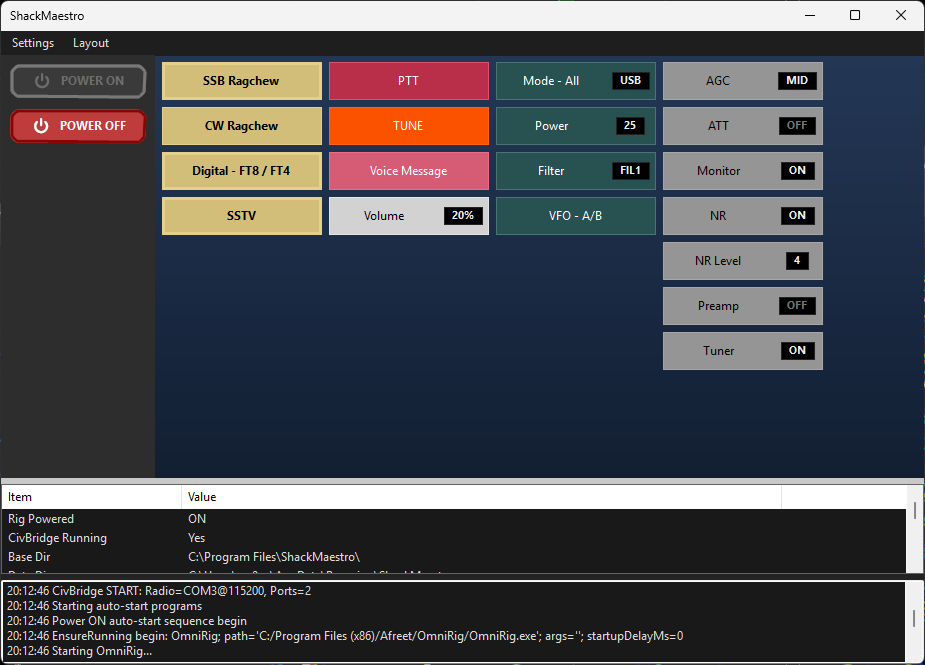
Radio control, status information, and macro access in the primary ShackMaestro window.
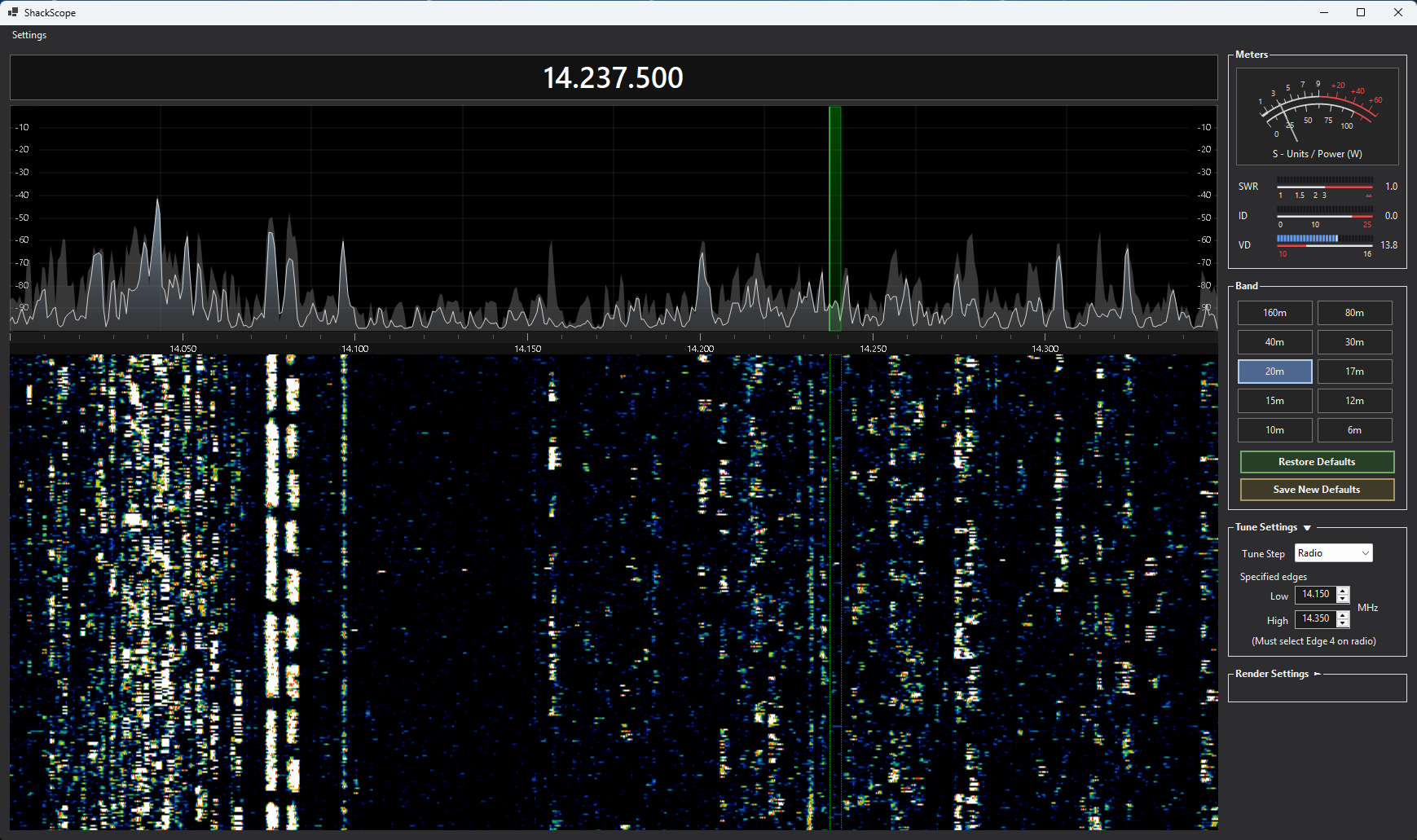
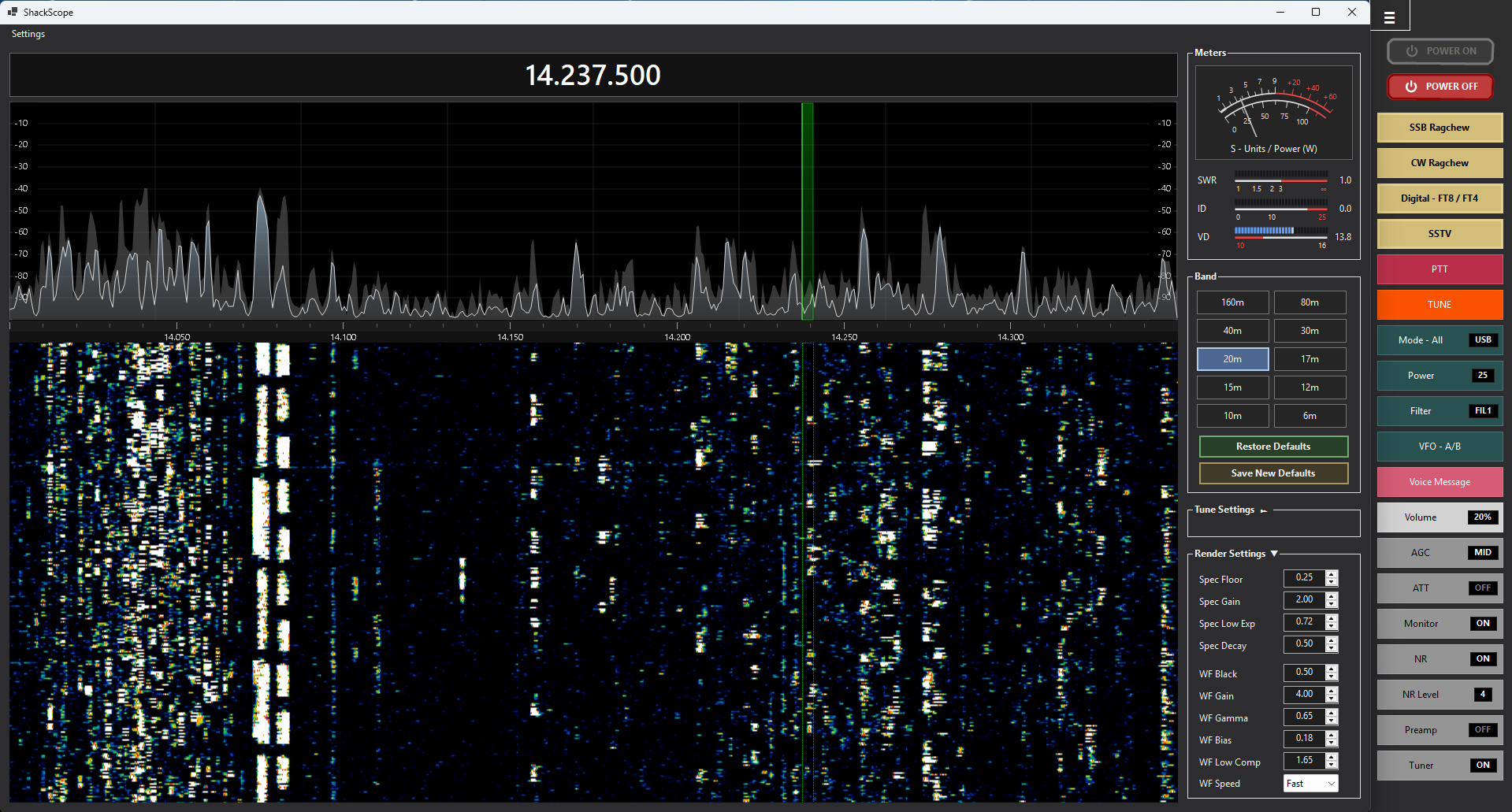
Spectrum, waterfall, meters, sidebar controls, and logging in the companion app.
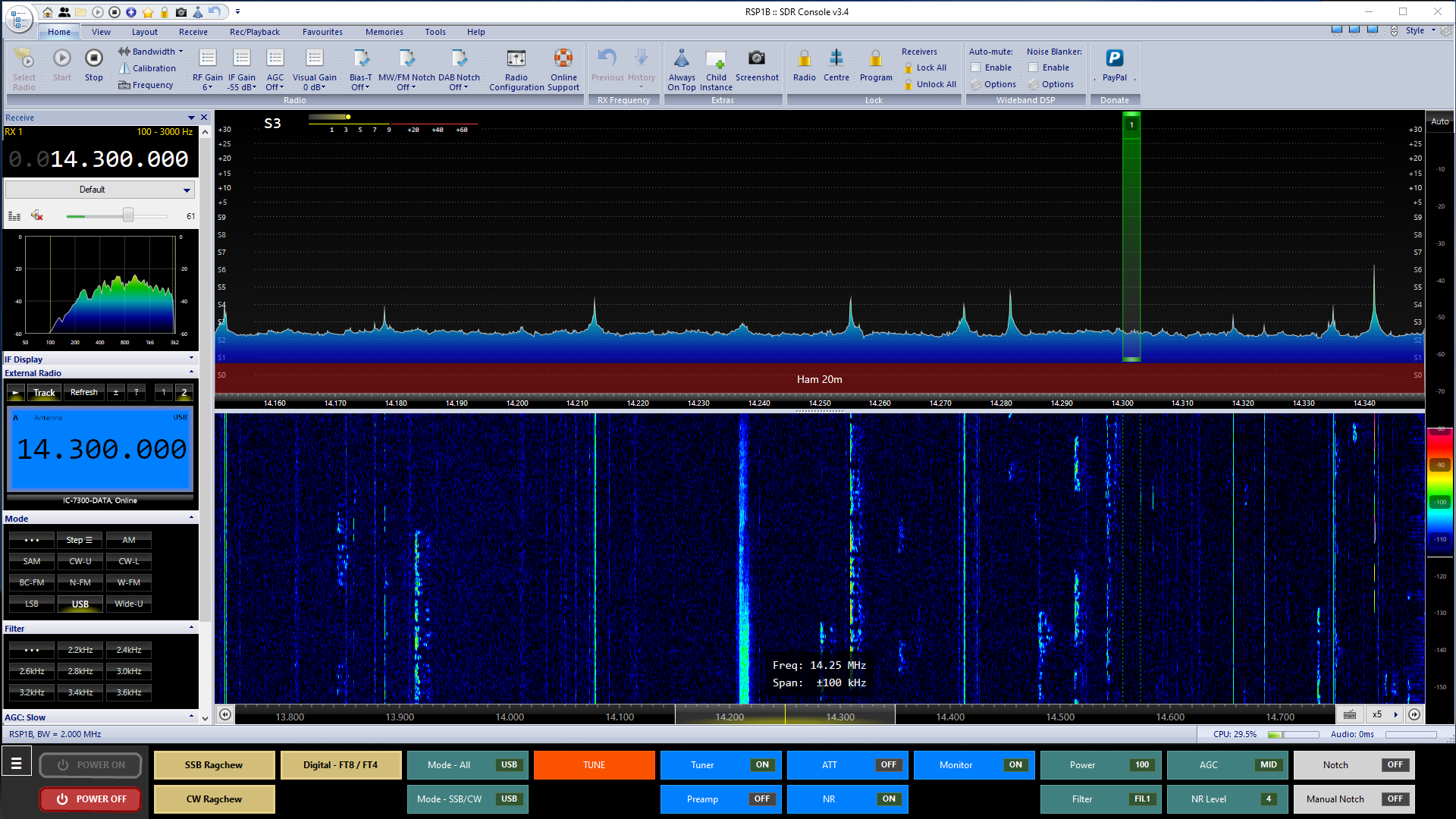
A wide operating view alongside other station software.
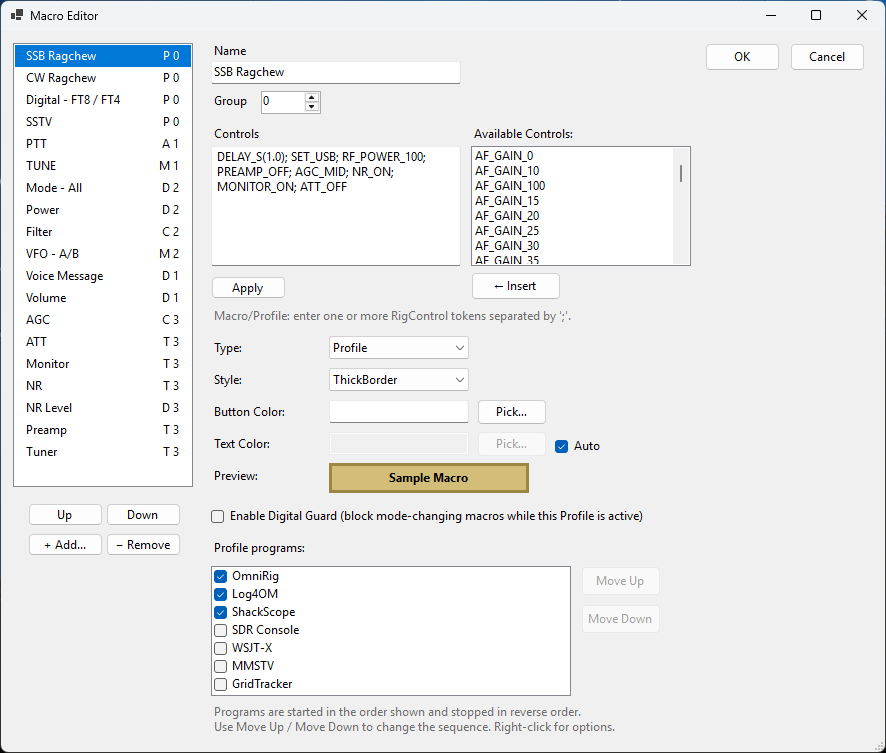
Configure profile, direct, toggle, and cycle-style macros for your workflow.
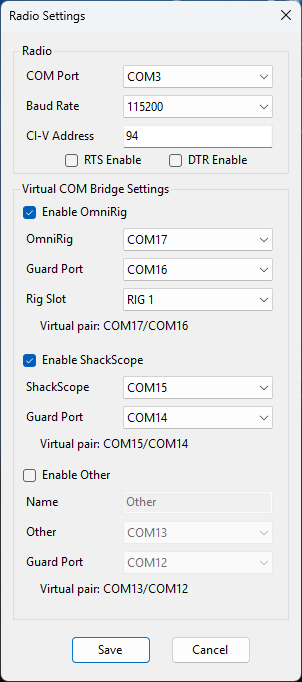
Configure CI-V, serial, and virtual COM bridge settings for your station.
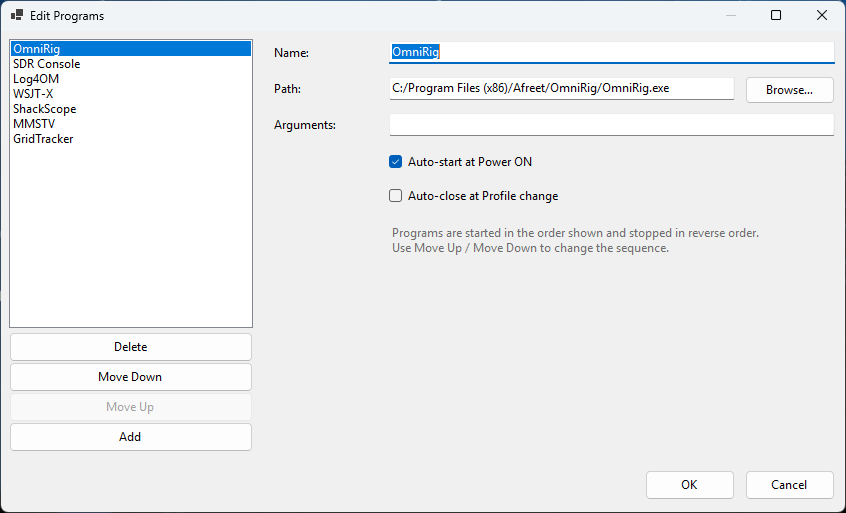
Manage related ham radio applications used with ShackMaestro.
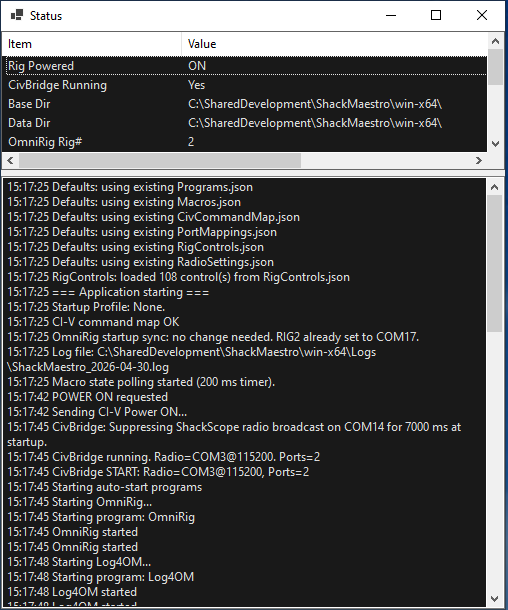
Operational messages help confirm startup, radio communication, and troubleshooting details.